
How to Design a Home Office Remotely
Designing a home office remotely works well when the room is measured properly, the work style is understood, and the visual goals are tied to real daily needs.

Key Takeaways
These ideas are central to the topic and useful in real project planning.
Practical Focus
The goal is to understand when a tool or service helps, not just what it is called.
Design-Led Thinking
Good outcomes still depend on layout, materials, lighting, and how people experience the space.
Clearer Next Steps
The best advice should help you decide what to do next on a real project.
What Matters Most
Designing a home office remotely works well when the room is measured properly, the work style is understood, and the visual goals are tied to real daily needs.
Projects benefit when the design conversation stays grounded in the decision that needs to happen next. That perspective shapes how we look at the topic below.
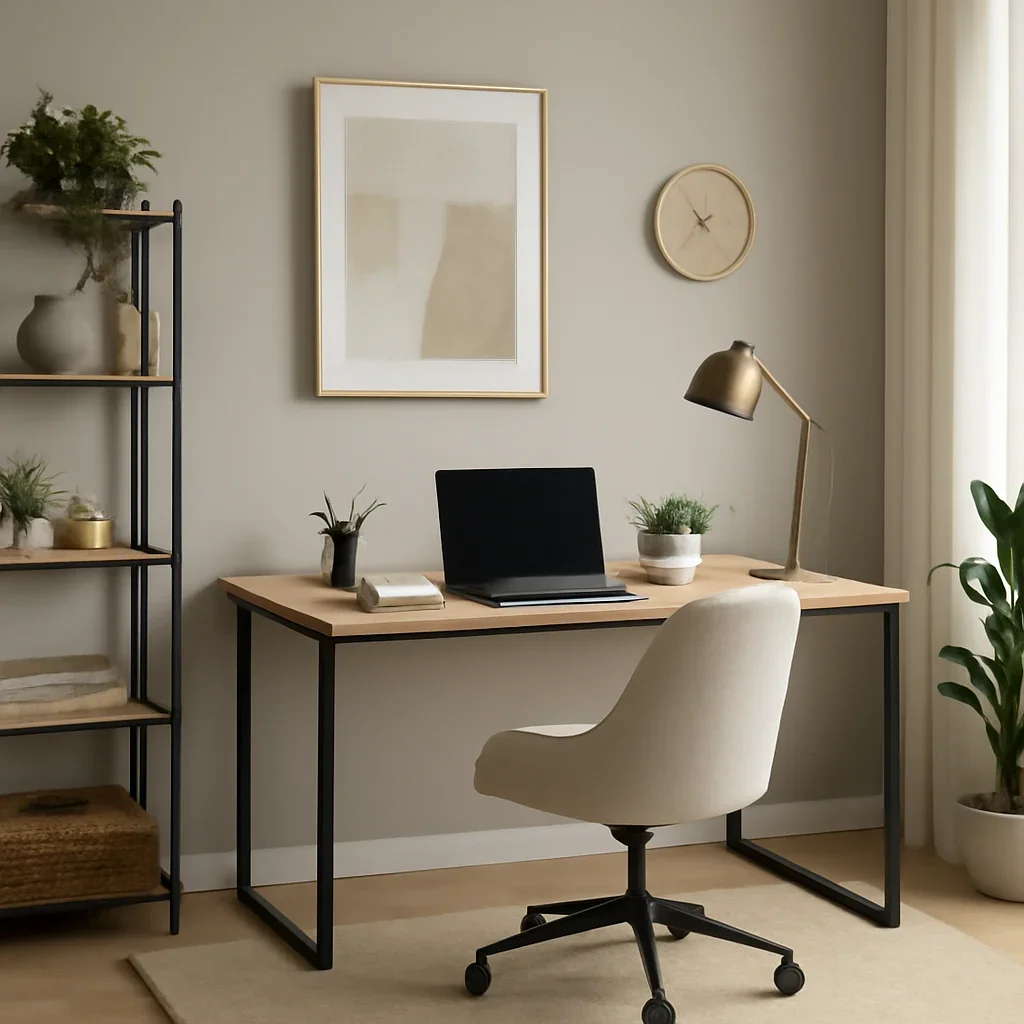
Start with how the room needs to perform
The best home office is not just attractive. It supports focus, storage, video calls, paperwork, and how long the user actually spends there each day.
This is where the design brief, the intended audience, and the presentation format all start to matter. The stronger those inputs are, the more useful the output tends to be.
Solve layout before decor
Desk position, circulation, cable management, and storage should be handled early so the room works before it is styled.
This is where the design brief, the intended audience, and the presentation format all start to matter. The stronger those inputs are, the more useful the output tends to be.
Plan for lighting and background views
Remote work often makes lighting quality and camera background more important than in older office setups, so both should be considered deliberately.
This is where the design brief, the intended audience, and the presentation format all start to matter. The stronger those inputs are, the more useful the output tends to be.
Use visuals to test the direction
Mood boards, layout options, and renderings help make sure the office feels right before purchases happen.
This is where the design brief, the intended audience, and the presentation format all start to matter. The stronger those inputs are, the more useful the output tends to be.
Frequently Asked Questions
Can this topic affect the scope of a project?
Yes. Choices around process, visuals, and tools often change the package, timeline, and the type of deliverable that creates the most value.
Is this only relevant to commercial work?
No. Many of these ideas apply to residential projects as well, especially when visual clarity and remote collaboration matter.
What should I do next if this topic matches my project?
Bring the project details into a consultation or inquiry so the recommendations can be translated into an actual scope.
Need Help Applying This To Your Project?
Share the space type, the stage you are in, and what needs to be decided next. We will recommend the right service or visual tool for the job.